
When it comes to home security, motion detector lights are an effective and practical solution. These lights automatically turn on when they detect movement, offering enhanced security by deterring intruders and alerting homeowners of any suspicious activity. Whether you’re looking to light up your driveway, garden, or backyard, motion detector lights can help you achieve both safety and convenience.
In this guide, we’ll discuss the best practices for installing motion detector lights, the benefits they offer, and how to choose the right system for your property.
1. Understanding How Motion Detector Lights Work
Motion detector lights use infrared sensors or microwave technology to detect changes in the environment. These sensors detect the movement of objects, such as a person walking or a car passing by, and trigger the light to turn on. There are various types of motion detectors available, including:
- Passive Infrared (PIR): Detects changes in heat, making it ideal for sensing human presence.
- Ultrasonic: Uses sound waves to detect motion, often more sensitive than PIR sensors.
- Microwave: Sends out microwaves to detect motion, even through walls or other obstructions.
Understanding how each type works is essential for making the right choice for your security needs.

2. Choosing the Right Location for Installation
One of the most important factors in ensuring the effectiveness of your motion detector lights is placement. Here are a few tips for choosing the best locations:
- Entry Points: Install lights near doorways, gates, and windows. These are the most common areas where intruders attempt to enter.
- Driveways and Paths: Motion lights along your driveway or walking paths can help prevent accidents and alert you to any movement outside.
- Backyards and Gardens: Keep your yard illuminated to deter trespassers, as well as wildlife. Motion detector lights can also enhance the ambiance of your outdoor space.
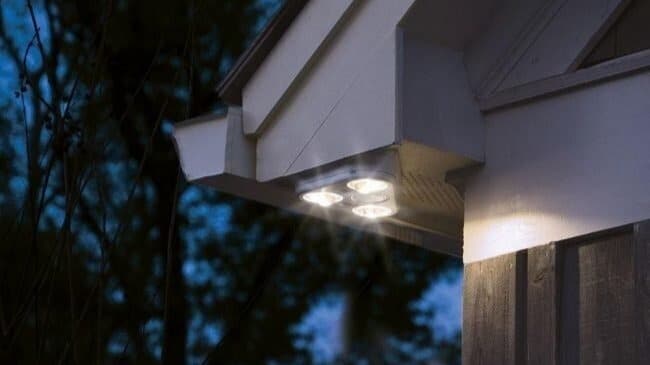
- Height: Install lights at a height of 6-10 feet for optimal detection range. Avoid placing them too high, as they may miss detecting low-to-the-ground movement.
- Cover Blind Spots: Ensure that motion sensors cover all critical areas of your property, including any blind spots that may otherwise be overlooked.
Make sure to avoid areas where trees, bushes, or wind can trigger false alarms. Proper placement can help you get the most out of your motion detector lights.
3. Installing Motion Detector Lights: Step-by-Step Guide
While installation motion detector lights can vary based on the type and model, here’s a general step-by-step guide to help you through the process:
Step 1: Choose the Right Lighting Fixtures
Select motion detector lights based on your needs—whether it’s for security, ambiance, or both. Consider LED lights for their energy efficiency and long lifespan. Make sure the light’s brightness is sufficient to illuminate the intended area.
Step 2: Turn Off the Power
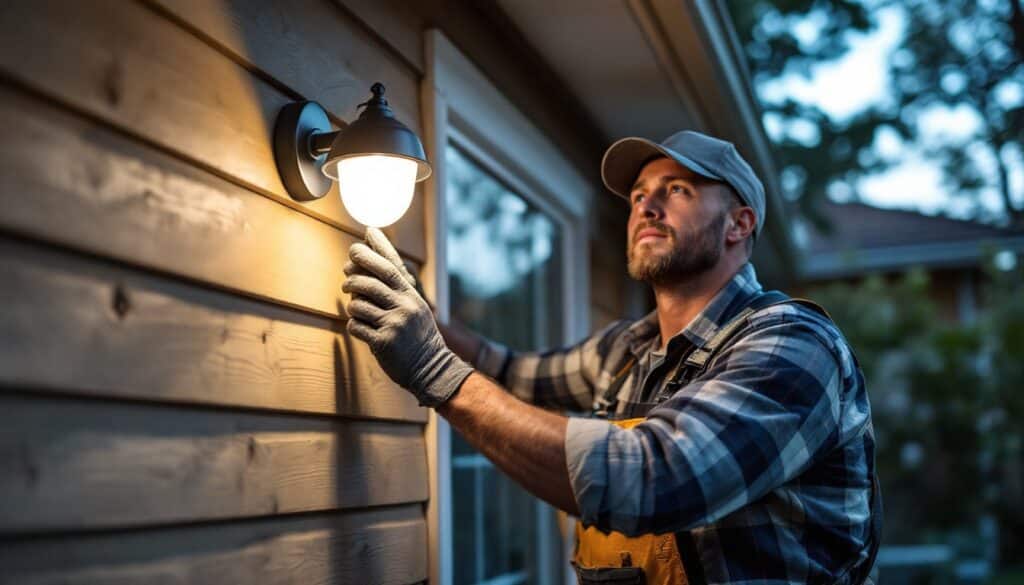
Before installing any electrical components, always turn off the power to avoid accidents. Use a voltage tester to ensure there is no current running through the wires.
Step 3: Mount the Light Fixture
Position the Mounting Bracket: Use screws to mount the bracket securely on the wall or ceiling.
Install the Light Fixture: Attach the fixture to the bracket. Ensure the light is aimed at the desired area and properly aligned with the sensor’s detection range.
Step 4: Wiring the Light
Connect the Wires: Depending on the model, you may need to connect the fixture’s wires to the electrical box. Follow the manufacturer’s instructions carefully to ensure the wiring is done correctly.
Test the Wiring: Once the connections are made, turn the power back on and test the light to ensure it activates when motion is detected.
Step 5: Adjust Sensor Sensitivity
Most motion detectors come with adjustable settings that allow you to control the sensor’s sensitivity. You can adjust the range of detection and how long the light stays on after detecting movement. Make sure to test these settings to avoid unnecessary false alarms.
4. Benefits of Motion Detector Lights
Motion detector lights offer several key benefits that make them a smart addition to any property:
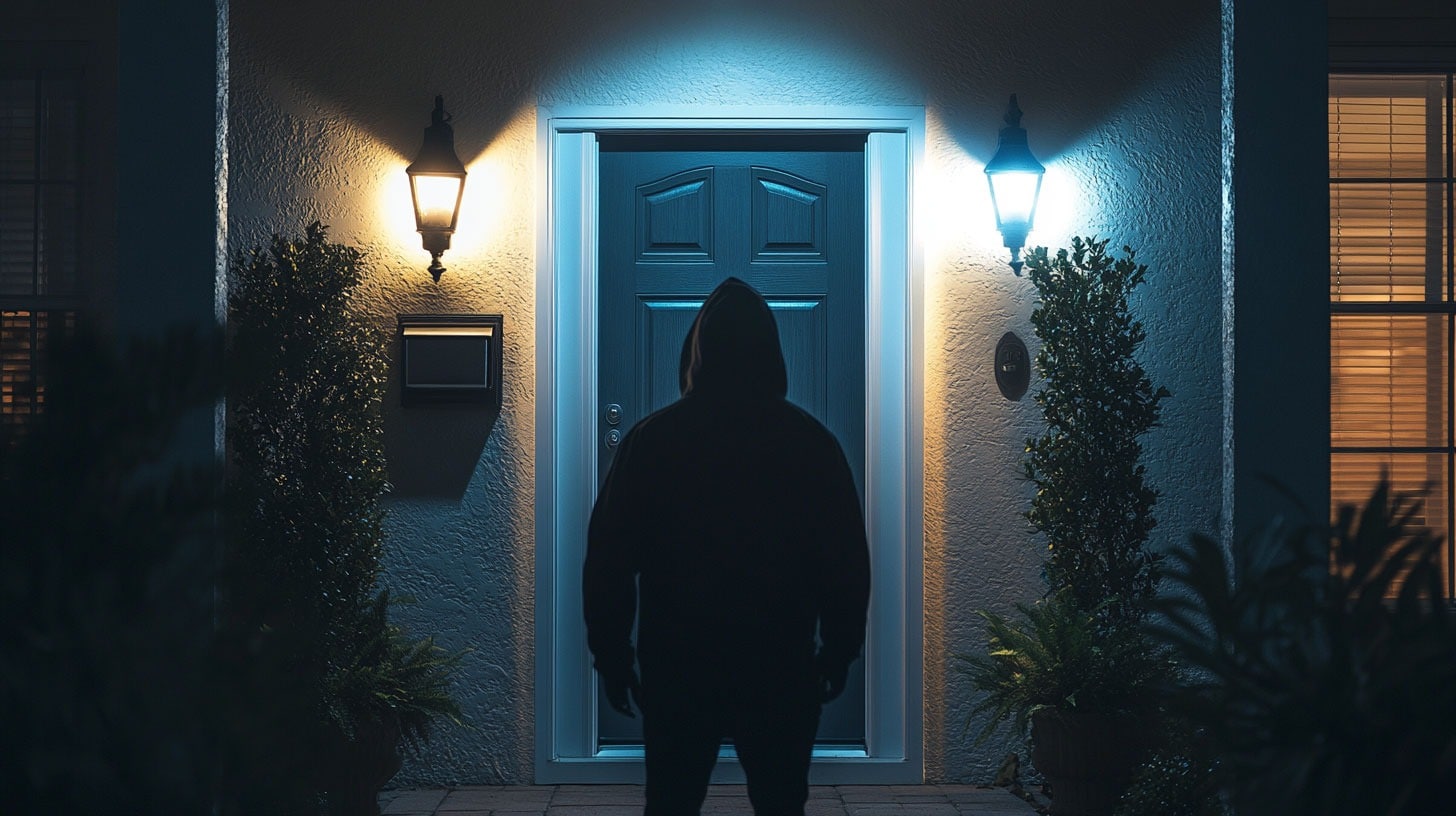
- Enhanced Security: These lights deter burglars by making it difficult for them to move unnoticed. When the light comes on, it draws attention, alerting you and your neighbors to potential threats.
- Energy Efficiency: Motion detector lights only turn on when needed, saving energy and reducing electricity costs. They remain off until movement is detected, unlike traditional lights that run continuously.
- Convenience: They provide automatic lighting for pathways, garages, and other areas, making it easier to navigate your property at night without the need for manual switches.
- Peace of Mind: Knowing that your property is illuminated and monitored even when you’re not around offers peace of mind, especially when you’re on vacation or away from home.
5. Common Mistakes to Avoid When Installing Motion Detector Lights
To ensure the effectiveness of your motion detector lights, avoid these common installation mistakes:
- Placing Lights in the Wrong Position: As mentioned earlier, improper placement can lead to missed motion detection or false alarms. Always consider the movement patterns around your home before mounting.
- Ignoring Weather Conditions: Outdoor lights should be weatherproof, especially in areas prone to rain or snow. Make sure the lights and sensors are rated for outdoor use.
- Overlooking the Sensitivity Settings: Don’t leave the sensor at its default setting, as it may trigger unnecessary alerts. Adjust the sensitivity according to the specific conditions of your property.
- Not Considering Power Supply: Make sure the light is close to a power source, or plan for an extension cord if necessary. For a cleaner, safer installation, consider hiring a professional for wiring.
6. How to Maintain Motion Detector Lights
Once your motion detector lights are installed, regular maintenance is crucial to keeping them working efficiently:
- Clean the Sensor Lens: Dust and dirt can obscure the sensor’s lens, affecting its ability to detect motion. Use a soft cloth to clean it regularly.
- Check the Sensitivity: Over time, the sensitivity settings may need to be recalibrated. Check the settings every few months to ensure they are still accurate.
- Test Regularly: Occasionally test the lights by walking in the detection zone to ensure they still activate when needed.
Conclusion
Motion detector lights are a simple yet effective solution for enhancing the security of your home or business. By following the tips in this guide, you can install them correctly, ensuring maximum protection for your property. Not only do these lights increase safety, but they also offer energy savings and convenience, making them a valuable addition to any home or commercial space. If you’re looking for professional Lighting Services, these lights can be easily integrated into your overall security system.
For the best results, always choose high-quality motion detector lights, place them strategically, and keep them well-maintained. With the right system in place, you can enjoy peace of mind knowing that your property is secure at all times.